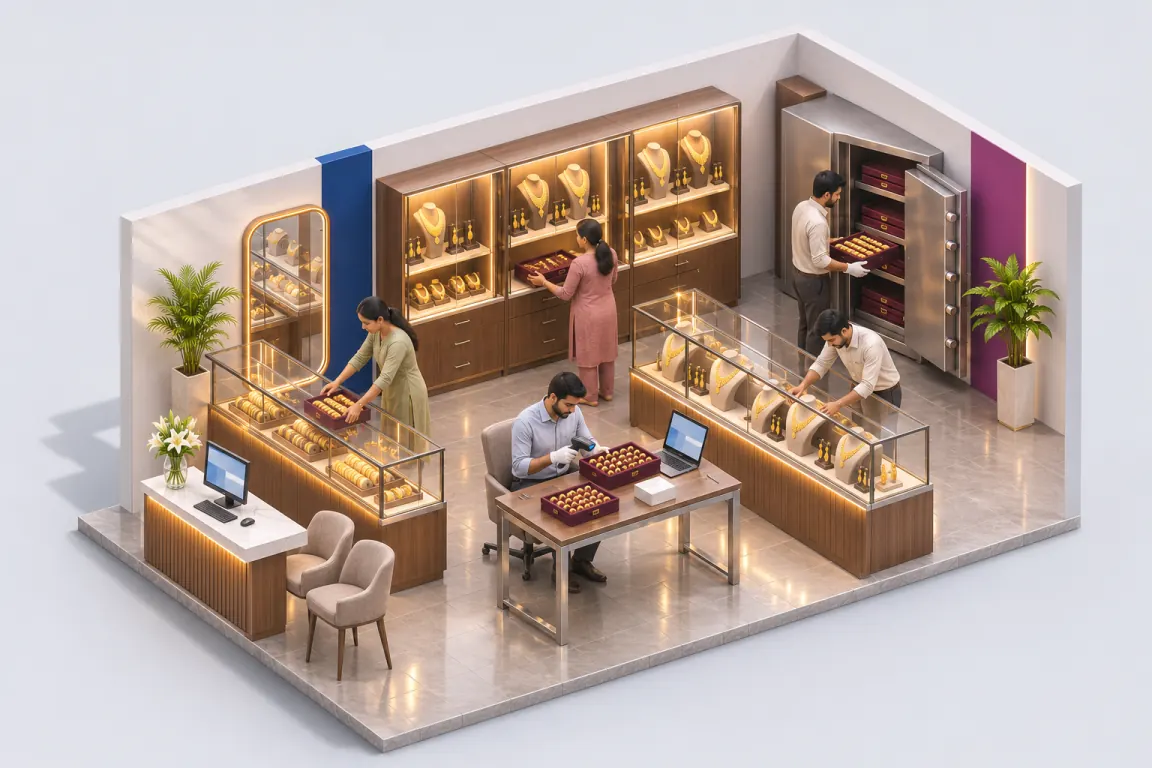
Trays are checked at opening
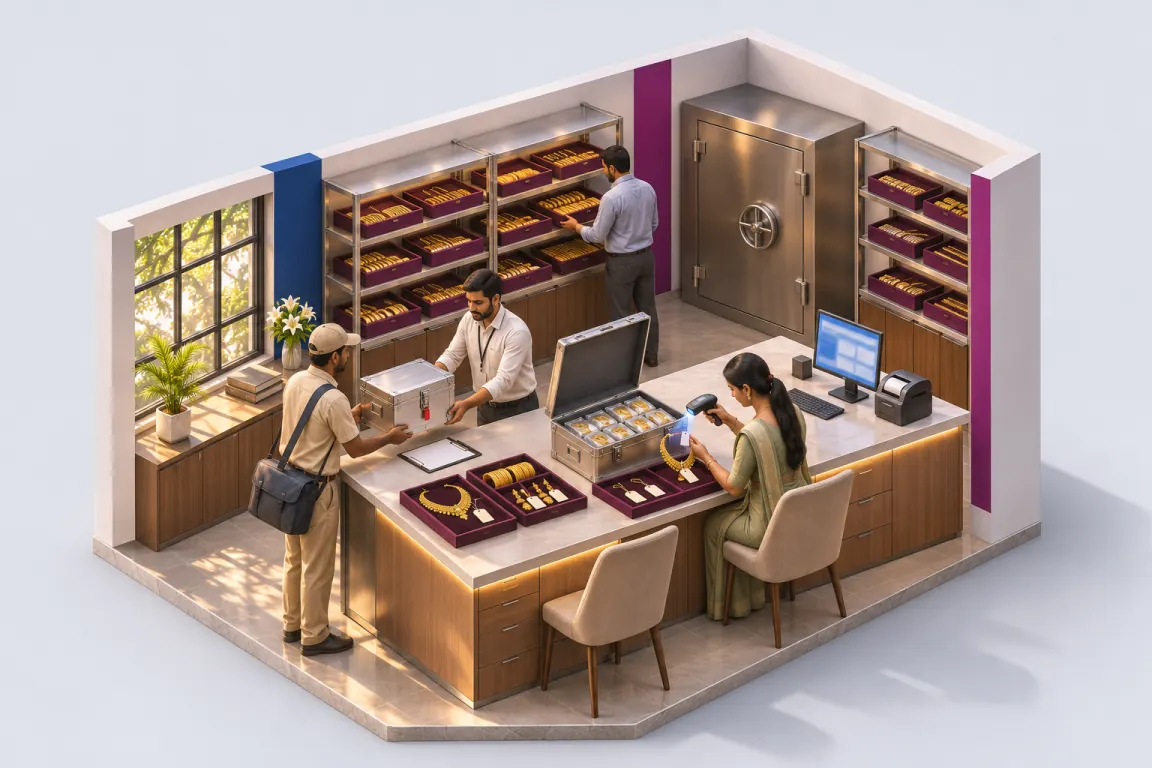
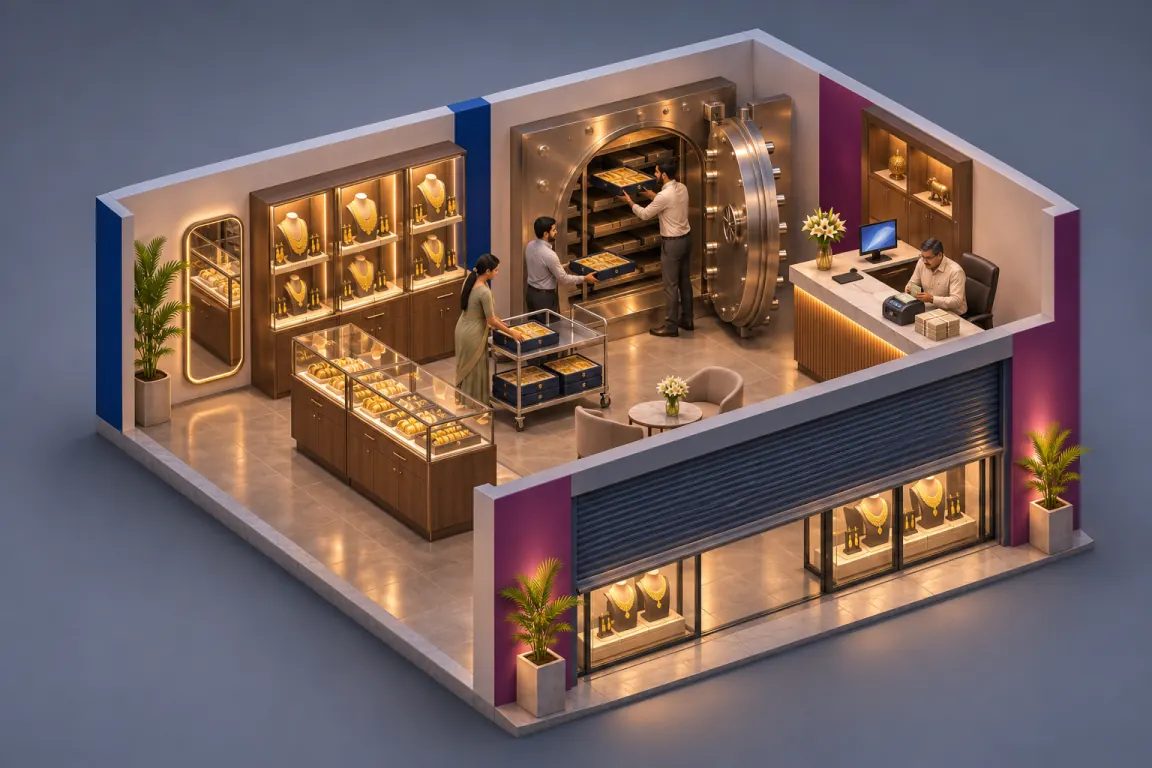
Box verification checks each tray at opening and closing. Stock is verified by barcode or RFID scan, and missing pieces show with their net weight.
- Tags expected
- 38
- Tags scanned
- 38
- Missing
- 0
- Box 4
- Verified
 GST invoice Making charge Old gold (URD)
Bill each piece from its tag, take old gold and schemes on the same bill, follow up every walk-in, and close every counter for weight and cash. Built for jewellers who run more than one showroom.
Follow one counter from opening the trays to closing the cash.
Box verification checks each tray at opening and closing. Stock is verified by barcode or RFID scan, and missing pieces show with their net weight.
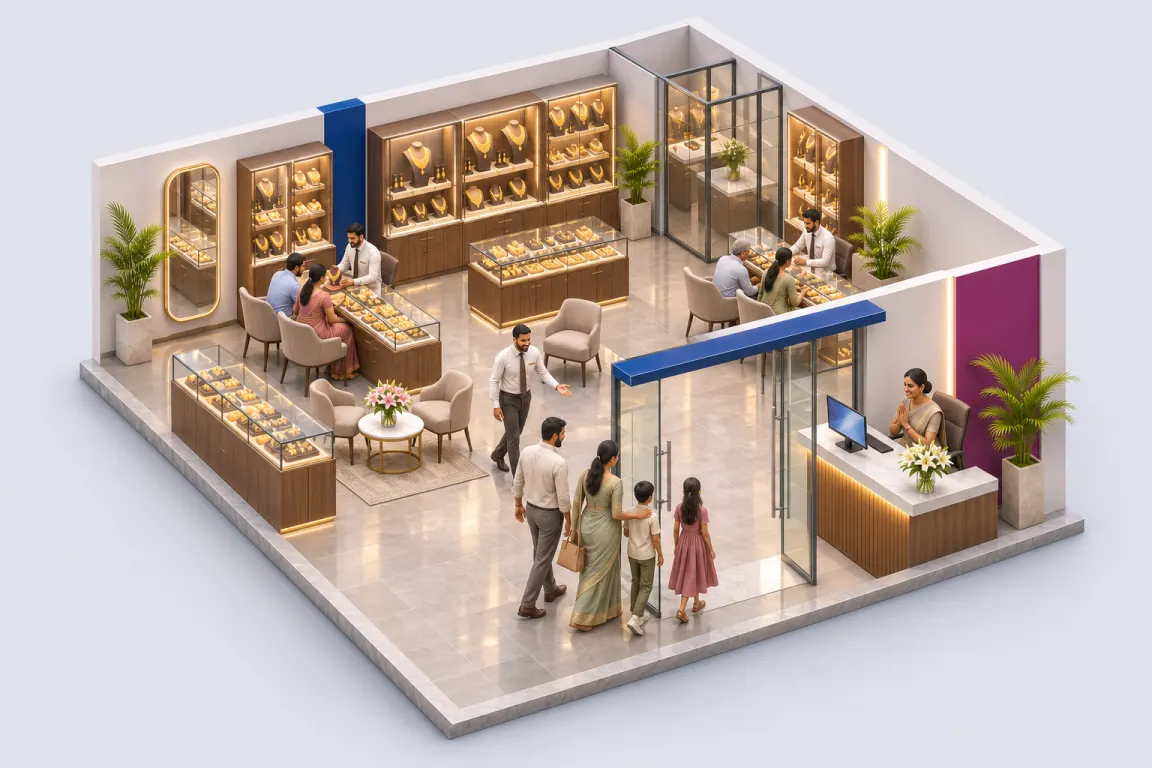
The walk-in desk records each visitor and assigns a salesperson based on availability, so footfall that does not buy today can still be followed up.
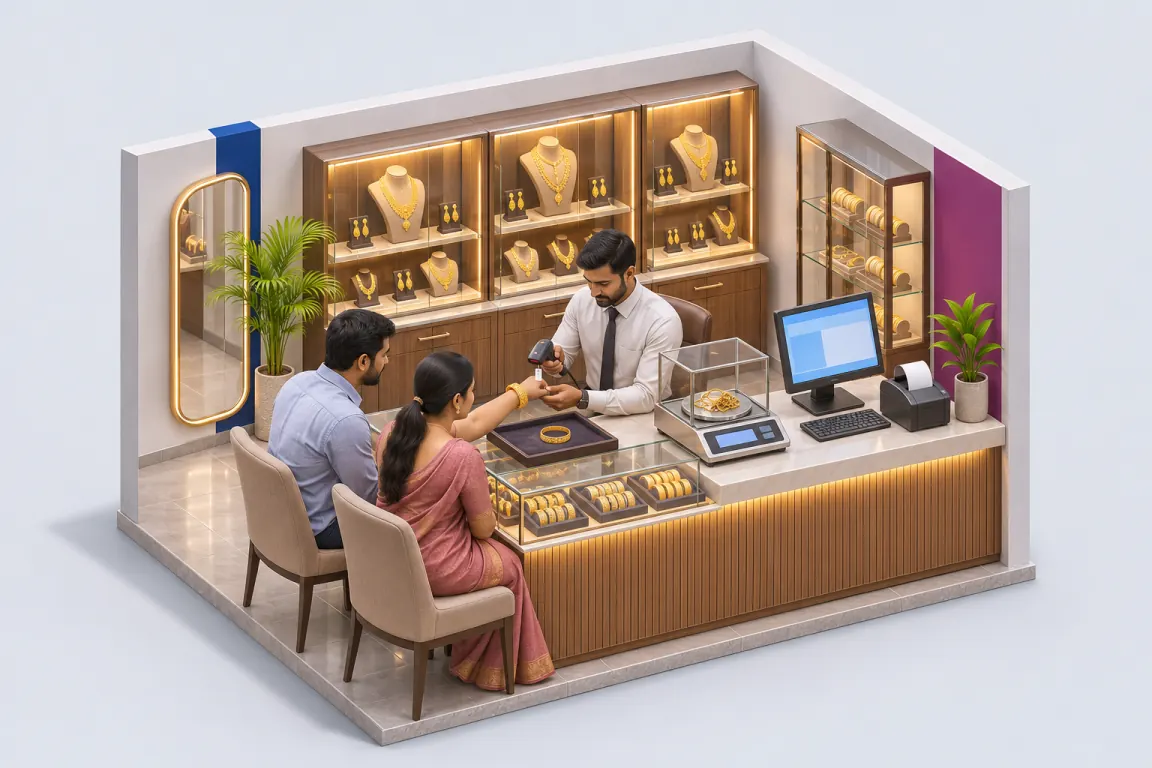
Scan the tag and its weights fill the bill. Old gold is bought as URD and adjusted on the same bill, and a closed savings scheme is a payment line confirmed by the customer’s OTP.
A branch tag transfer is issued by one showroom and received by the other, tag by tag. Until it is received, the stock shows as in transit, never counted twice.
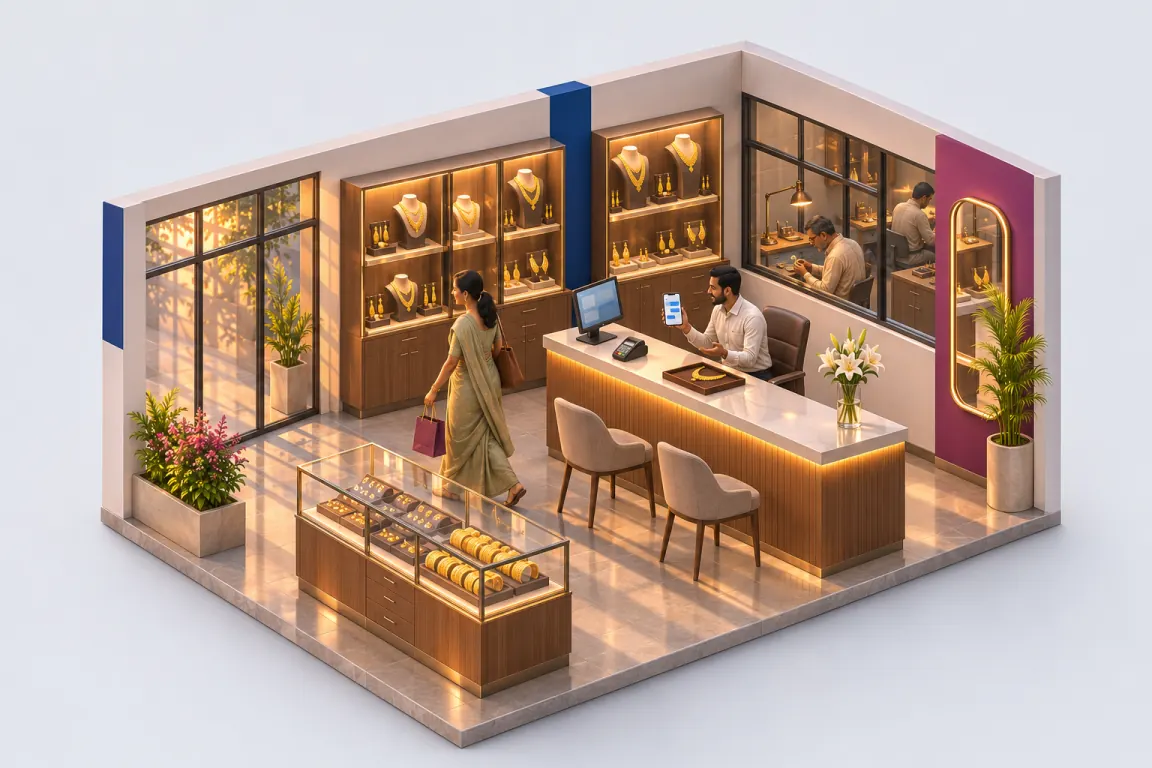
The GST invoice goes out on WhatsApp or email. Loyalty points are earned on the bill, and membership cards can be shared on WhatsApp.
Bill weight verification compares the weight billed with the weight that left each counter. Cash verification checks cash in hand against the day’s receipts, and the owner dashboard shows every showroom.
Scan the tag and its weights fill the bill. Making charge by weight, piece, percentage or fixed amount.
Old gold bought as URD and adjusted on the same bill, or picked up from an earlier advance URD entry.
Closed savings schemes and loyalty points are payment lines on the bill, confirmed by OTP.
Estimates, proforma, sales orders and approval vouchers with OTP.
Discount limits by role, gift coupons and point redemption confirmed by the customer’s OTP.
Tax invoice printed or sent on WhatsApp or email, with e-invoice IRN where it applies.
Every piece on a tag with its weights, touch, HUID and box, verified by barcode or RFID scan.
Bills, schemes and points on one customer, membership cards with upgrade rules, and leads with follow-ups.
Bill weight and cash verification per counter, branch cash transfer, OTP on edits and an audit trail.
Products, prices, stock and images sync to Shopify, and online orders come back for packing and courier booking.
Sees each showroom’s day on the owner dashboard: walk-ins, bills, receipts, approvals and transfers.
Assigns walk-ins, watches targets, checks boxes and closes the day with weight and cash checks.
Bills from the tag, takes old gold and schemes, and sends the invoice on WhatsApp.
Yes. All branches work in one Aug Ai installation. The retail owner dashboard shows activity and performance across the branches you are allowed to see, and reports run per branch or for all of them.
The old gold is bought from the customer as a URD purchase and adjusted as a payment line on the new bill, so the invoice shows the new jewellery, the old gold deducted and the balance paid.
Most of our retail customers run several showrooms. A single shop that also manufactures, trades wholesale or plans more branches can use it well. If you only need simple billing, a lighter product will cost less.
Usually, yes. Aug Ai has import tools for designs and their bill of materials, and HUIDs can be imported from Excel. What is moved and how is agreed with our team before go-live, depending on what your current software can export.
Aug Ai runs on your own server and counters work in a web browser, so they need a network connection to that server. Plan the server and network with our team during setup.
Our team. You buy the server, and we install Aug Ai, configure it for your branches, users and processes, and take you through it before go-live. Our office is in Rajkot, and you can reach us on +91 79909 19361.
Tell us how many showrooms you run and what you sell. We will show billing, schemes and the owner dashboard set up like yours.
How we get you started
Demo
We show your own processes, using sample data.
Proposal
A price based on the modules, users and branches you need.
Go live
Installed on a server you own, set up by our team.