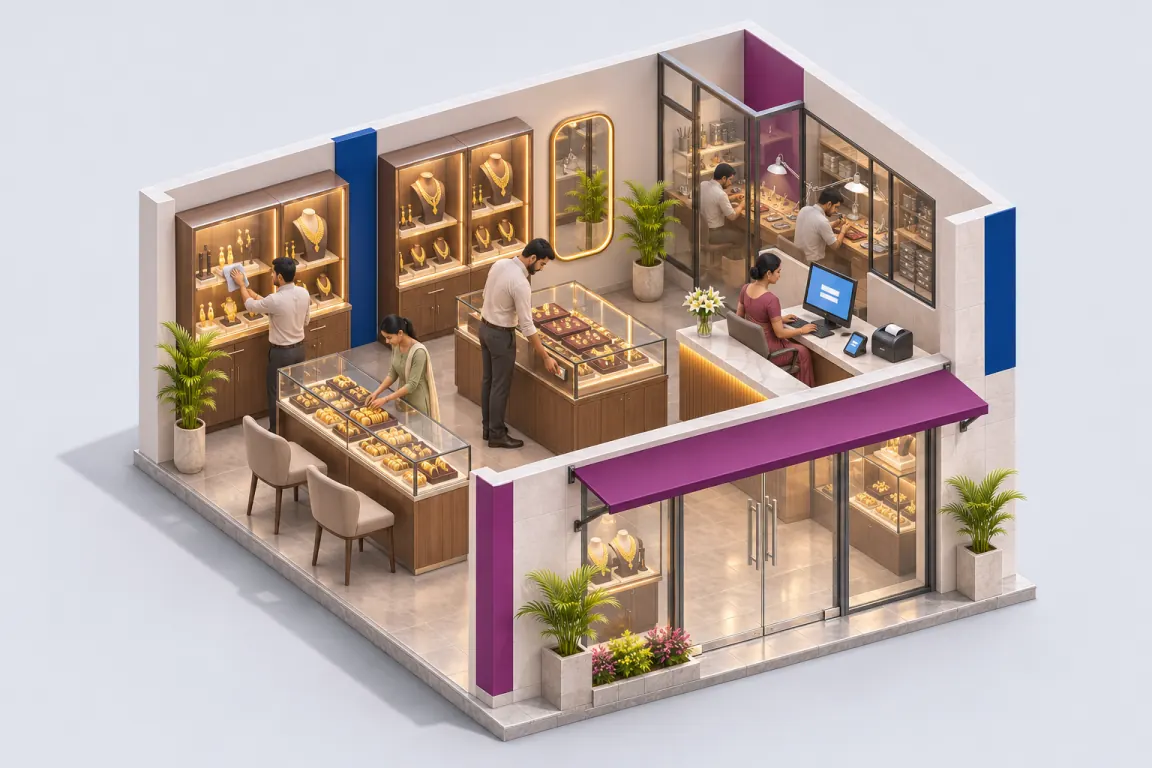
Each franchise store runs its own counter. You see every store.
Franchise partners bill, buy and close their day in a workspace locked to their own branch. The franchisor keeps tags, transfers, hallmarking and schemes, and sees every store in one set of reports.
Follow one franchise store from opening to the franchisor’s evening view.
The store opens in its own workspace
A franchise user works in a franchise workspace locked to their own branch. They see only their store, and only the screens the franchisor has opened for them.
Franchise workspaceSample
Branch
Franchise store 2
Billing
Open
Other branches
Not visible
Access
Own store only
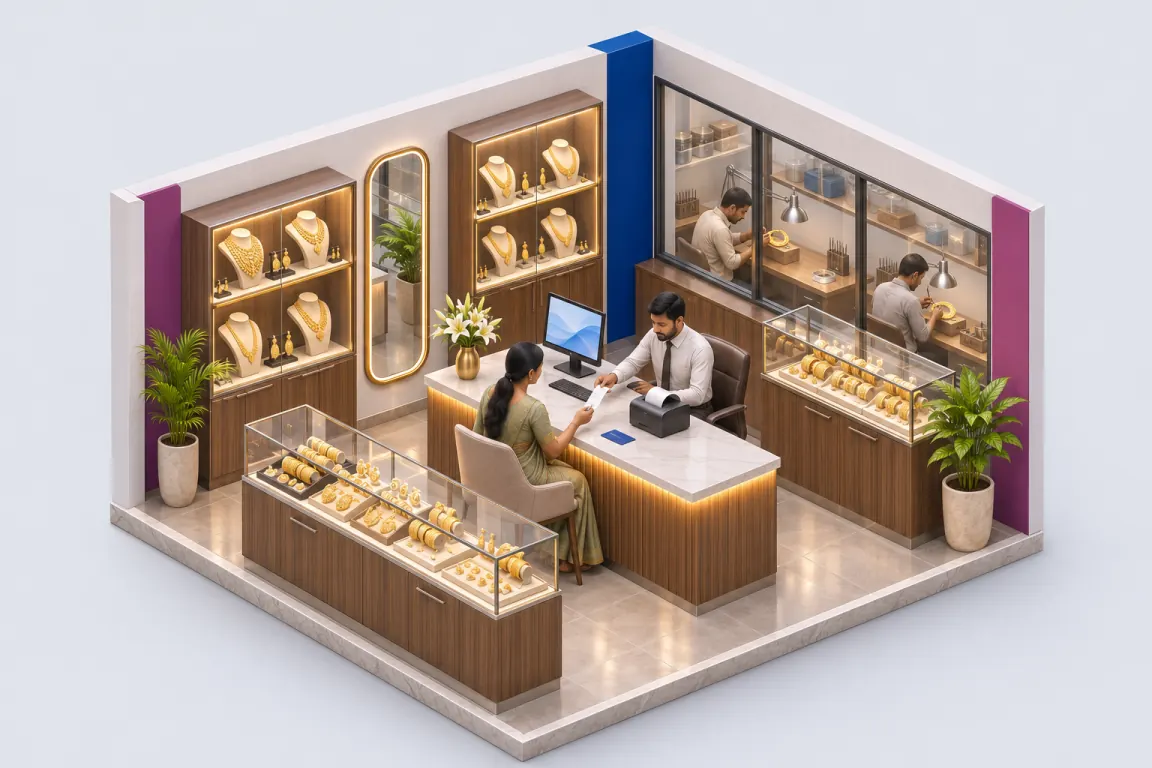
Billing at the franchise counter
Franchise staff bill retail sales for their store, and issue coupons and memberships to their own customers.
Bill · Franchise store 2Sample
Bangle 22K
₹1,48,350
Coupon
− ₹2,000
Membership
Silver card
Paid
₹1,46,350
Purchases, returns and expenses
The store records its purchases and returns, takes payments, and enters expenses, contra and journal entries. It can add ledger accounts, but editing and deleting them stays with the franchisor.
Today · Franchise store 2Sample
Purchases
2
Returns
1
Expenses
3
Ledgers added
1
Stock arrives from the franchisor
Tags, hallmarking and stock transfers stay with the franchisor. Pieces reach the store already tagged, and the store sees its own stock by tag.
Stock by tag · Franchise store 2Sample
Tagged pieces
412
Net weight
3,108.420 g
Tagged and hallmarked by
Franchisor
Owner
Franchise store 2
The store reads its own reports
Finance, cash and bank, ledger, stock by tag, retail and GST reports show the franchise branch only, so partners close their day without seeing yours.
Reports · own branch onlySample
Cash and bank
Store 2
Retail sales
Store 2
GST
Store 2
Other stores
Hidden
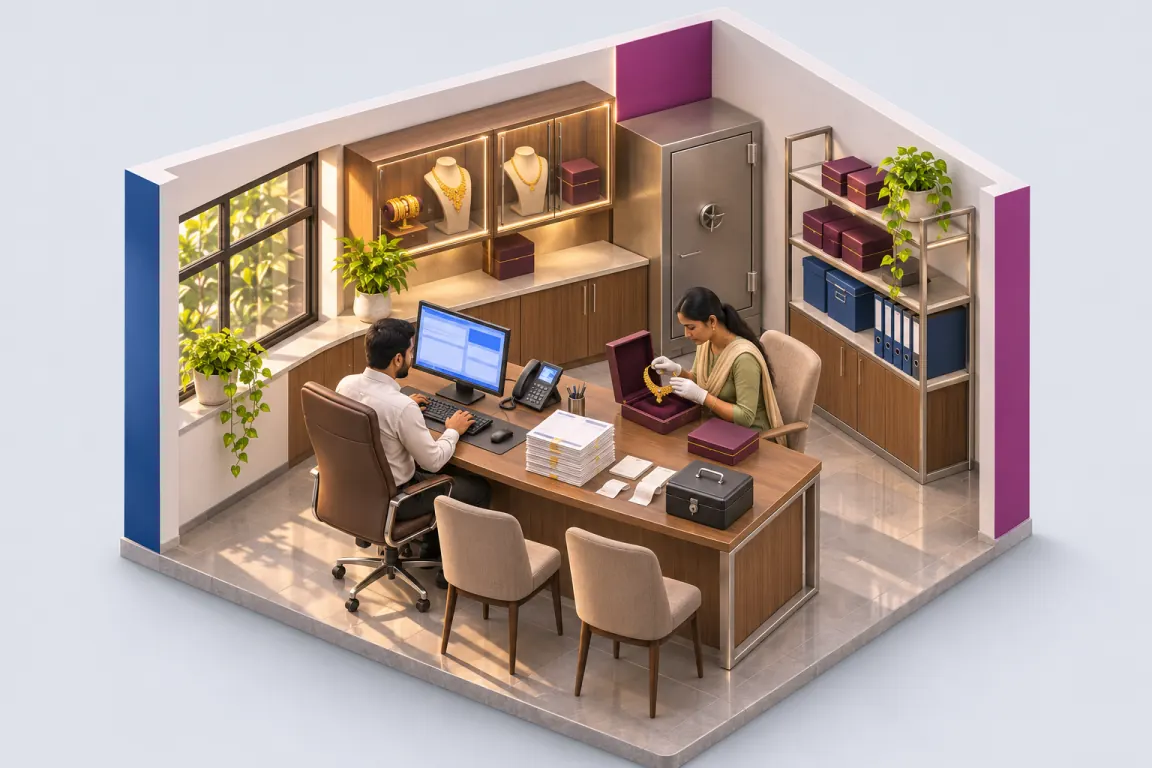
The franchisor sees every store
In the franchisor’s own reports, every franchise store sits alongside the company’s branches. Reports run for one store, several or all of them.
All stores · todaySample
Franchise store 1
Closed
Franchise store 2
Closed
Franchise store 3
Closed
Head office view
All stores
What a franchise store can do
Retail billing
Retail sales billed at the franchise counter, for the franchise branch.
Purchases and returns
Purchases and returns recorded by the store, for its own branch.
Payments and expenses
Payments, expenses, contra and journal entries for the store.
Coupons and membership
Coupons and memberships for the franchise’s own customers.
Stock by tag
The store’s own tagged stock, piece by piece.
Branch-scoped reports
Finance, cash and bank, ledger, stock, retail and GST reports for the franchise branch only.
Roles and permissions
Each user’s role decides which screens and which branches they can open.
OTP on sensitive edits
Editing or deleting key vouchers can require an OTP from an authorised person.
Audit trail
The audit trail report shows who changed what, in which branch, and when.
Reports across stores
The franchisor runs reports for one store, several or all, alongside its own branches.
Who uses it
Franchisor
Sees every franchise store with its own branches, and keeps tags, transfers, hallmarking and schemes.
Franchise owner
Runs one store’s billing, purchases, payments and reports, and sees nothing beyond it.
Franchise staff
Bill at the counter and serve customers with coupons and memberships, on the screens opened for them.
Good to know before the demo
Savings schemes, tag creation, hallmarking and stock transfers are handled by the franchisor, not the franchise store.
Franchise users can add ledger accounts and see the list, but cannot edit or delete accounts.
Every store works in the same Aug Ai installation, on a server you own, so each store needs a network connection to it.
Questions owners ask
Can a franchise store have its own restricted login?
Yes. Franchise users work in a franchise workspace locked to their own branch. They bill, record purchases and payments, and see finance, stock, retail and GST reports for their own store only.
What can a franchise store not do?
Savings schemes, tag creation, hallmarking and stock transfers stay with the franchisor. Franchise users can add ledger accounts but cannot edit or delete them, and they never see other branches.
Can I see all franchise stores together?
Yes. In the franchisor’s reports, franchise stores sit with your own branches, and you can run reports for one store, several or all of them.
Do all stores need to be on the same server?
Yes. All stores work in one Aug Ai installation on a server you own, so there is one database and no syncing between locations. Each store needs a network connection to that server.
Can a customer use a scheme or points in a different store?
Customers, schemes and points are held in the same database for all branches. Whether a scheme sold in one branch can be redeemed in another is a business rule we set up with you during implementation.
How is pricing decided?
Pricing depends on the modules you choose and the size of your business: users, branches and volume. We explain it after the demo, once we know what you need.