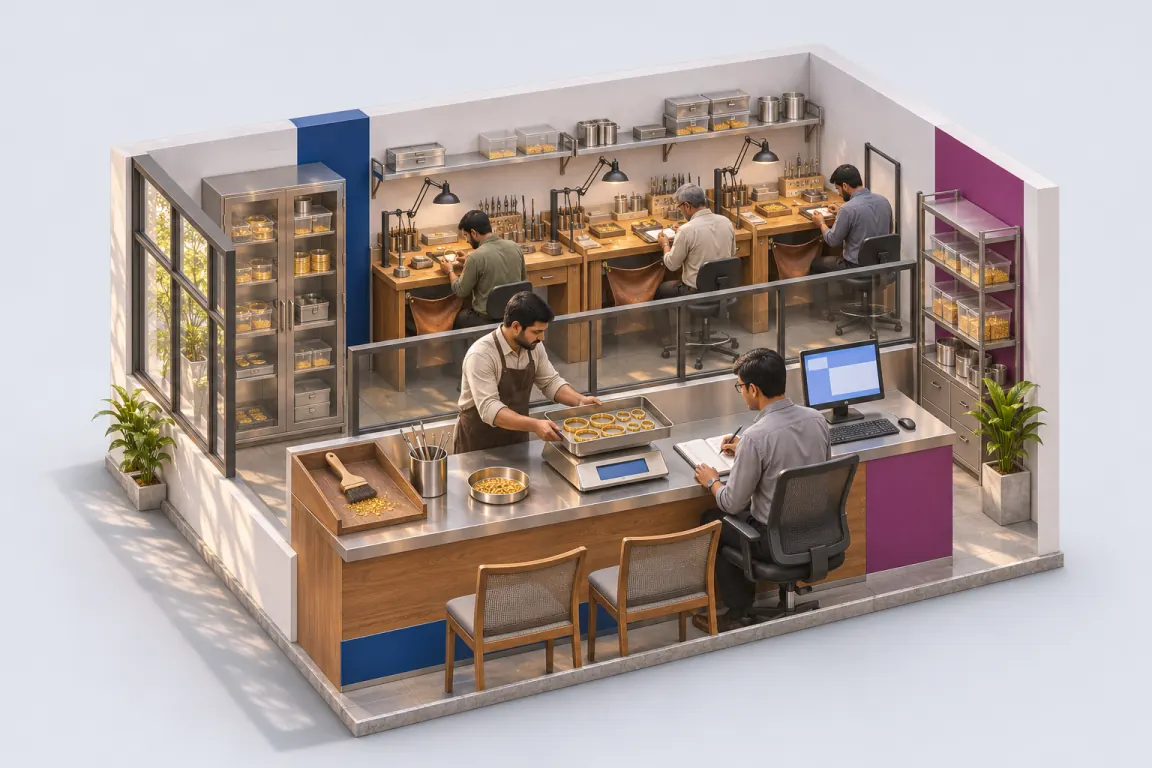
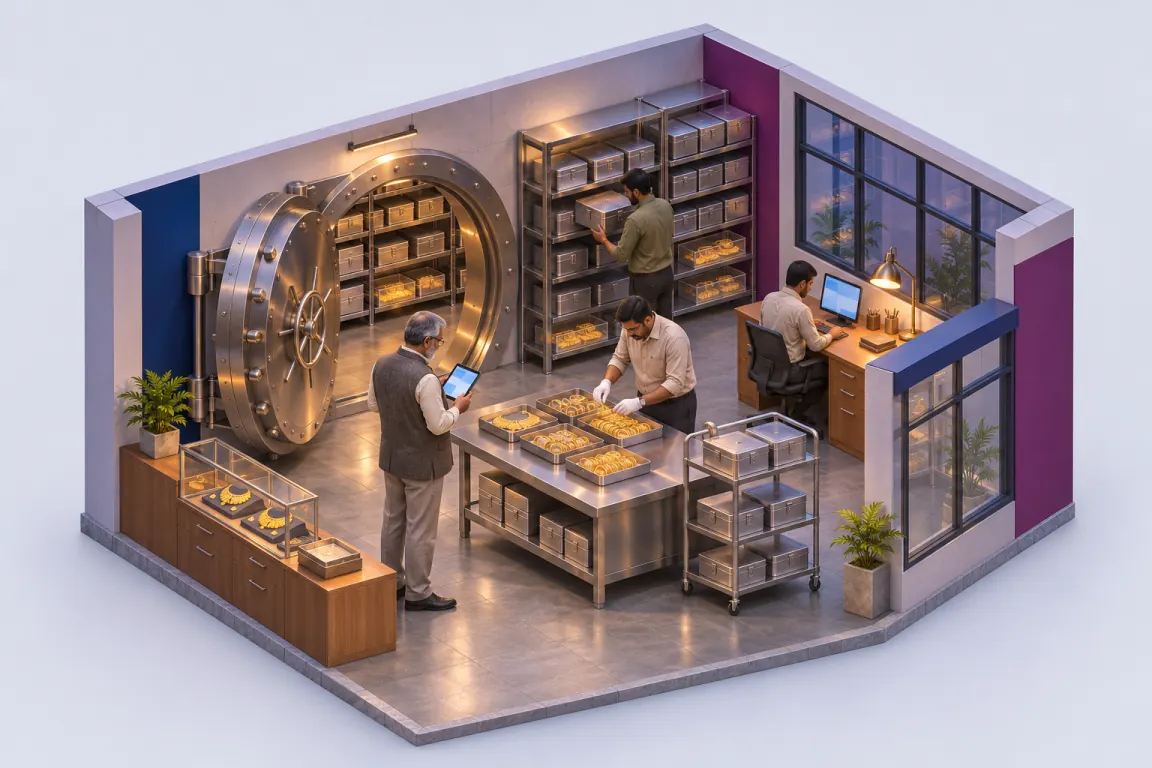
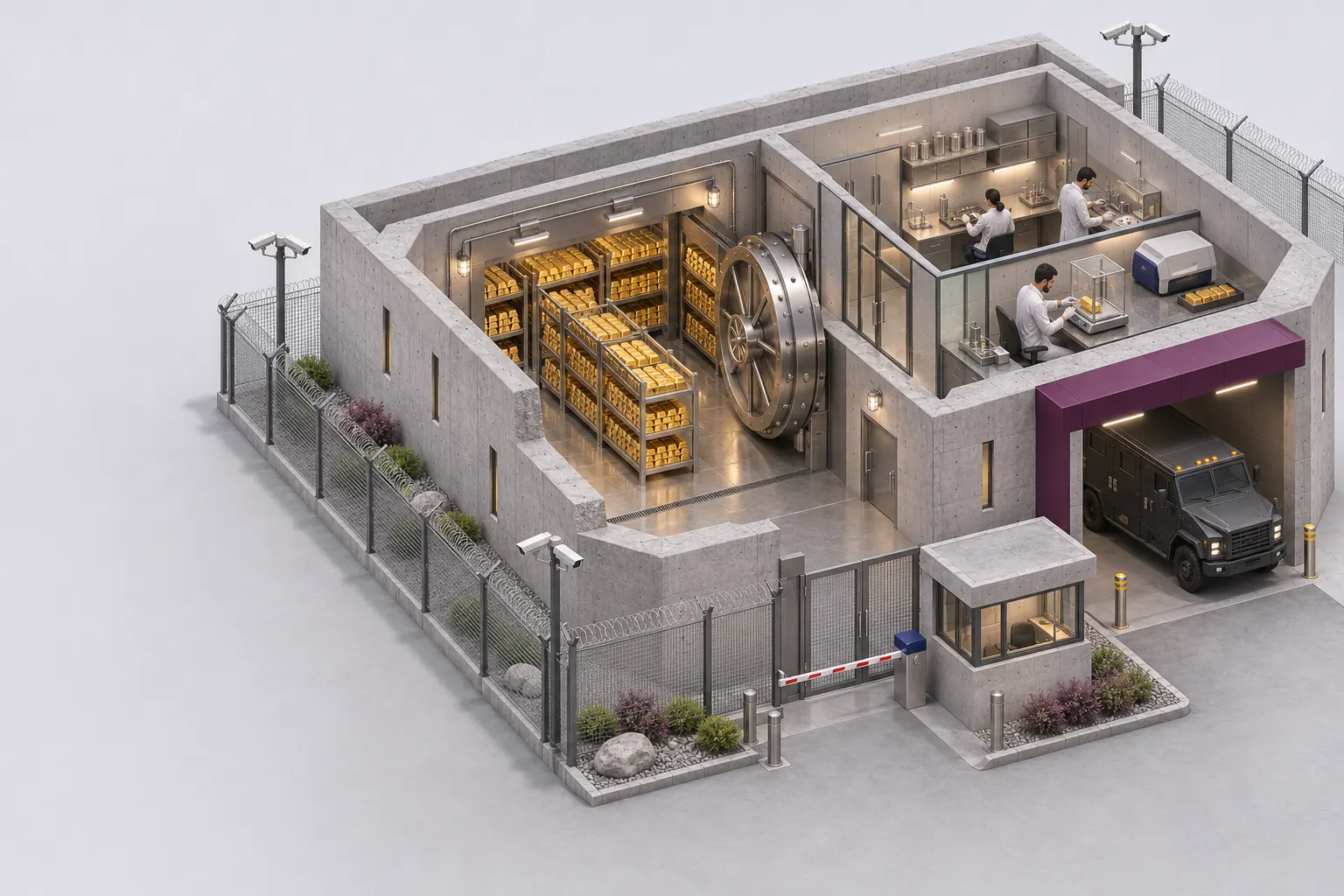
From the customer order to the tagged piece, with every gram accounted for.
Orders become batches, every process issues and receives by weight and touch, loss is entered where it happens, and finished pieces enter stock already tagged. Accounts, stock and branches run in the same system.
Follow one batch from the morning plan to the evening count.
Pending orders become a batch
The planning screen lists customer and dealer orders with design, weights, touch, promised date and age. Group them into a batch and send it to the first department.
Order bank · pendingSample
RG-1184 · 12 pcs
Promised 28 Nov
NK-2207 · 4 pcs
Promised 30 Nov
BG-0915 · 20 pcs
Promised 2 Dec
New batch
B-2611-014
Metal goes out by weight
Each process issues the batch to a named karigar with gross, net and fine weight. The fine metal issued is fixed at that moment.
B-2611-014 · FilingSample
Karigar
Ramesh K.
Net weight
129.210 g
Touch
91.60
Fine issued
118.356 g
Stones travel with the batch
Stones, diamonds and findings go out with the batch as less items, so their weight and count stay with the pieces. Broken stones are recorded, not written off silently.
Less items · B-2611-014Sample
Diamonds
36 pcs · 0.720 ct
Colour stones
24 pcs
Findings
12 pcs
Broken
2 pcs recorded
Work comes back, and loss is entered
The karigar returns the batch. Weight is received back, and wastage, loss, rejects and ghat are entered on the receipt against the process.
Receipt · FilingSample
Issued
129.210 g
Received
128.798 g
Ghat
0.000 g
Loss
0.412 g
Checked, tagged, into stock
Final QC is recorded before goods leave the floor. Tags print for the whole batch, and the pieces enter stock through factory inward without anyone retyping them.
Final QC · B-2611-014Sample
Passed
36 pcs
Tags printed
36
Factory inward
Done
In stock
36 pcs
The gold with every karigar, before you close
The worker current stock report shows the pieces, net weight and fine with each karigar right now. The loss by process report shows which department lost what this month.
Worker current stockSample
Ramesh K. · B-015
64.120 g
Imran S. · Setting
31.657 g
Sunil P. · Polish
38.400 g
Fine with karigars
134.177 g
What the manufacturing module covers
Customer and special orders
Order book with your own statuses, promised dates and ageing. Special orders can carry the customer’s reference images.
Production planning
Pending orders grouped into batches and sent to departments, with batch split, merge and reject.
Process and karigar tracking
Issue and receipt per process and worker, with department transfer on receipt.
Loss, recovery and touch lab
Loss entered per process, metal recovered from refining, tested purity from the touch lab, and alloy purchases.
Stones and findings
Stones, diamonds and findings issued against batches, bagged per batch, with broken stone records.
Design master and catalogue
Designs with their bill of materials, and a catalogue you can export to PDF or Excel and share.
QC, tags and factory inward
Process QC and final QC, batch tag printing from your templates, and inward into tagged stock.
Karigar accounts
Worker passbook, current stock with each worker, rate cut and wastage cut vouchers.
Attendance and payroll
Biometric attendance from supported devices, payroll with PF, ESI and professional tax, loans and salary slips.
Production dashboards
A manufacturing dashboard with loss overview, and reports on production flow and orders at risk of missing their date.
Who uses it
Owner or director
Sees late orders, metal with each karigar, loss by process and finished stock without asking for a report.
Production manager
Plans batches, issues and receives work, moves it between departments and checks quality.
Accountant
Gets karigar labour, metal balances, party accounts and GST reports from the same entries.
Good to know before the demo
Your processes, departments and order statuses are set up for your workshop during implementation. They are not fixed.
Production runs in the branch that manufactures. Finished goods reach other branches by tag transfer.
Aug Ai runs on a server you own, set up by our team. Users work in a web browser.
Questions owners ask
How does it track karigar metal, wastage and process loss?
Every issue to a karigar is entered against a batch and a process with gross, net and fine weight. On receipt, the returned weight is entered with wastage, loss, rejects and ghat. The worker current stock report shows what each karigar holds, and the loss by process report shows loss in grams and as a percentage.
Can I plan production from customer orders?
Yes. Pending orders appear on the planning screen with design, weights, touch, promised date and age. You group them into a batch and send it to the first department, and the order status can move as the batch moves.
Are finished pieces added to stock automatically?
After final QC, tags print for the batch and the pieces come into stock through factory inward with their weights. Nobody retypes them.
Can Aug Ai handle manufacturing and wholesale together?
Yes. Manufacturing, wholesale and retail are modules of the same system, sharing one stock, one set of party accounts and one set of reports. You switch on the modules you use.
Where is the software and our data kept?
On a server you own. You buy the server, our team installs and sets up Aug Ai on it, and your data stays in your own database. There is no shared cloud version.
How is pricing decided?
Pricing depends on the modules you choose and the size of your business: users, branches and volume. We explain it after the demo, once we know what you need.