
Karigar management software that shows where your metal is
Karigar management software records every gram of metal you issue to a karigar and every gram that comes back, so you know what each worker holds. In Aug Ai, each issue and receipt is entered against a production batch, a process and a karigar. Loss is recorded at the process where it happens, and each karigar has a passbook of what was given and returned.
Last reviewed 19 November 2026 by the Aug Ai product team
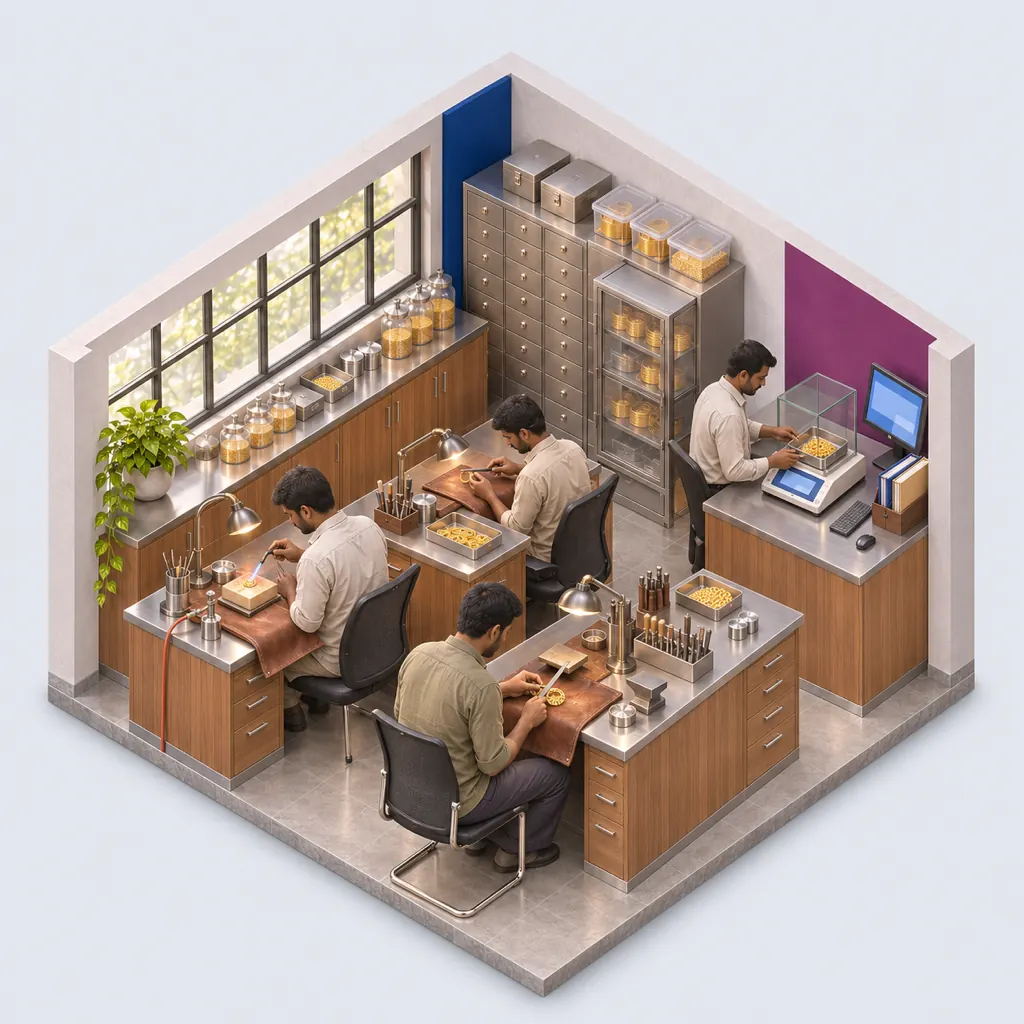
What karigar management means in a jewellery workshop
A karigar is the craftsman who turns metal into jewellery, whether on your own floor or as an outside job worker. Every day, metal goes out to karigars by weight and comes back as work-in-progress, finished pieces, dust and scrap. Karigar management is the record of that movement: what was issued, what was received, what was lost in the process, what labour is owed and what balance of metal is still with each person.
Kept in registers or spreadsheets, these balances drift. Loss is argued about at month end, nobody can say which process is losing more than it should, and finished pieces wait for someone to retype them into stock. Aug Ai keeps the whole movement inside the production batch, so the balance with each karigar is a report, not a reconciliation.
How Aug Ai tracks metal issue and receipt
Production in Aug Ai runs on batches. A batch carries its pieces, weights and touch through every process until it becomes tagged stock.
-
Plan batches from customer orders
Pending orders appear on the order production planning screen with design, pieces, net weight, touch, promised delivery date and age. Select the orders that belong together and create a new batch.
-
Issue the batch to a process and a karigar
Choose the process, the department it leaves and the department it goes to, and the worker. Gross, less and net weight, touch, fine and pieces are recorded for each item, so the fine metal handed over is fixed at the moment of issue.
-
Receive it back with its weight
When the work returns, receive it against the same batch. Wastage, loss, rejected pieces and ghat (the cut agreed for the karigar) each have their own tab on the receive entry, so every gram is accounted for.
-
Move it to the next department
The received batch moves on to the next process and the next karigar. Batches can be split or merged on the way when pieces need different work.
Processes you can track
The process list is set up for your workshop. Typical processes are melting, casting, filing, setting, polish and rhodium, but you name and order your own, and decide which departments work receives in. Process issue and receipt can also move the status of the customer order the batch was planned from, so the order desk sees progress without asking the floor.
Recording loss, wastage and ghat
Loss is entered on the receive entry, against the process and the karigar who did the work. It is recorded as its own line with touch, weight and fine, so it is never hidden inside a difference nobody explains. Aug Ai blocks a negative loss unless the process is set up to allow it.
Metal recovered later, from refining dust or sweepings, is entered as metal recovery, showing loss fine, received fine and what remains. A touch lab entry records the actual touch of metal tested, so purity differences are not mistaken for loss.
The process-wise loss report then shows issued and received net weight, loss in grams and loss as a percentage for each process, so you can see which step is losing more than it should. A loss panel on the manufacturing dashboard separates recoverable from permanent loss for the financial year.
The karigar account — passbook, holdings and rate cut
Every issue and receipt posts to the karigar. The worker passbook lists credits and debits by date, voucher, batch and touch, with net weight, ghat and labour in rupees, so a karigar can be shown exactly what was given and what came back.
The worker current stock report shows what each worker holds at this moment: pieces, gross and net weight, touch and fine. That is the number owners want before the workshop closes.
Labour and metal settle like any other account. A rate cut voucher converts a fine metal balance into money at an agreed rate, and can be tied to a process. Wastage cut for workers is recorded separately.
Stones, diamonds and findings that travel with the metal
Stones, diamonds and findings are issued against the batch as less items, so their weight and count stay with the pieces they are set in. Less bagging keeps stones in bags per batch, and broken stones are recorded with their pieces and weight instead of disappearing from the count.
From the workshop to tagged stock
Production quality checks are recorded per process, with a final QC before goods leave the floor. Tags are printed for the batch from your own tag print templates, and the finished goods come into stock through factory inward. The piece that leaves the workshop arrives in inventory already tagged, with its weight and history.
Who uses it
-
Owner
Sees the fine metal with each karigar and the loss by process without waiting for month end, and asks about the exceptions instead of every entry.
-
Production manager
Plans batches from orders, issues and receives work, splits and merges batches, and moves work between departments from one screen.
-
Accountant
Gets labour, ghat and metal balances from production entries, settles them with rate cut vouchers, and shows a karigar the passbook when a balance is questioned.
Questions owners ask
Can I see how much gold is with each karigar right now?
Yes. Every issue and receipt is entered against the worker, and the worker current stock report shows each karigar's pieces, gross weight, net weight, touch and fine weight at that moment. The worker passbook shows how that balance was built up, entry by entry.
How does the software record loss at each process?
When a batch comes back from a process, loss is entered on the receive entry as its own line, with touch, weight and fine, against that process and that karigar. Metal recovered later is entered as metal recovery. The process-wise loss report then shows issued weight, received weight, loss and loss percentage for each process.
Is the jewellery received from karigars added to stock?
Yes. After final QC, tags are printed for the batch and the finished pieces come into stock through factory inward, already tagged. You do not retype them into inventory.
Can I set up my own processes and departments?
Yes. Processes and departments are masters you set up for your workshop, such as melting, casting, filing, setting and polish, in the order your work actually flows.
Does it handle outside job workers as well as in-house karigars?
Yes. Issue and receipt work the same way for any worker you set up. Each worker has a passbook and a current stock balance, whether they sit on your floor or work from their own shop.
Does ghat get recorded separately from loss?
Yes. The receive entry has separate tabs for wastage, loss, reject and ghat cut, and the worker passbook shows ghat net weight, ghat fine and labour alongside each entry.
Where this room sits in the business













See karigar tracking with your own processes
Tell us how your workshop runs. We will show issue, receipt, loss and karigar balances on a batch set up like yours.
How we get you started
- 01
Demo
We show your own processes, using sample data.
- 02
Proposal
A price based on the modules, users and branches you need.
- 03
Go live
Installed on a server you own, set up by our team.